Table of contents
- Why Creative Is the #1 ROAS Driver on Meta
- What High-Performing Meta Ads Creative Looks Like in 2026
- The 5-Step Process to Launch Meta Ads Creative Without a Team
- Choosing the Right Creative Format for Each Meta Placement
- Common Meta Creative Mistakes Shopify Owners Make
- Scaling Meta Creative Output on a Small Budget
- Getting Started: What to Do Today
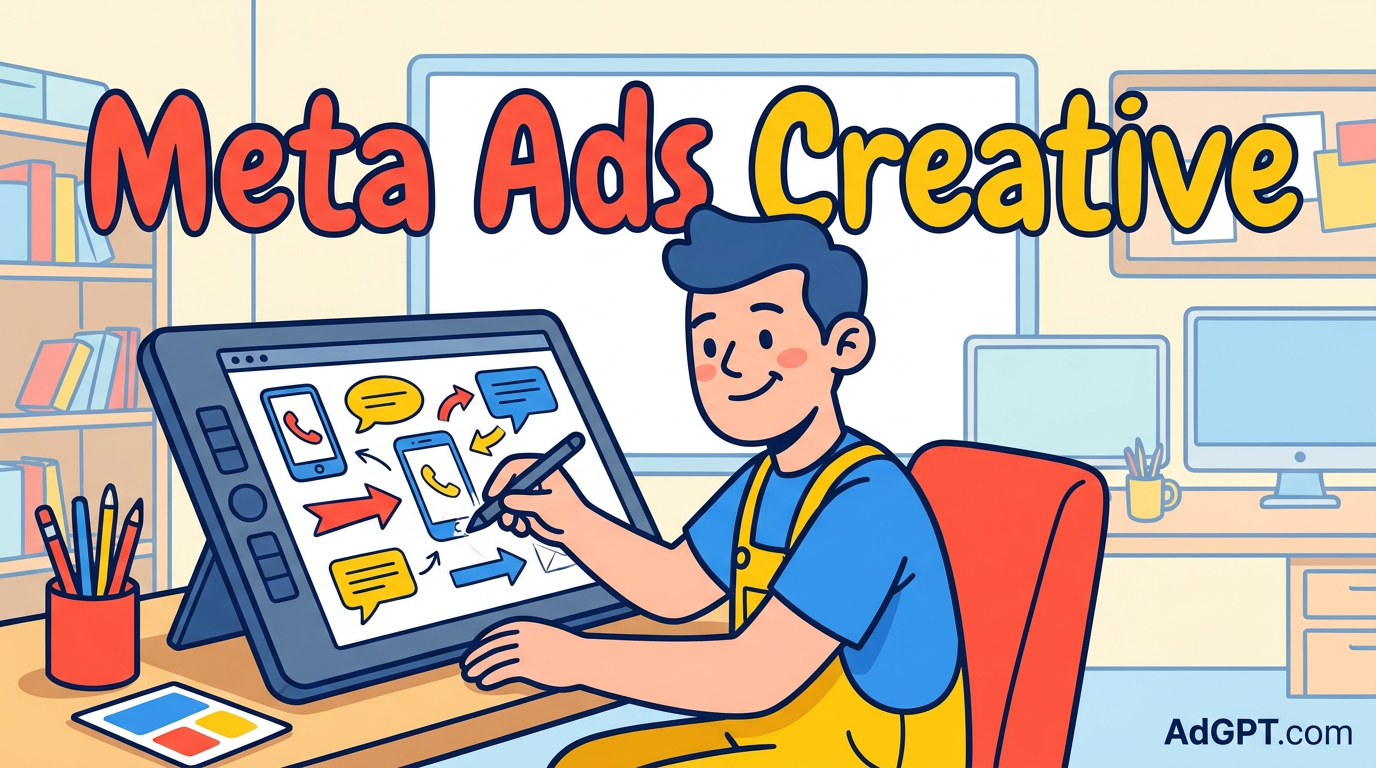
Meta ads creative is the single biggest lever controlling your return on ad spend. For Shopify store owners running without an agency, the good news is that strong creative no longer requires a designer, a video crew, or a five-figure retainer — AI tools have closed that gap entirely, and the stores winning on Meta in 2026 know it.
Why Creative Is the #1 ROAS Driver on Meta
Meta's algorithm has matured. Audience targeting, once the primary competitive advantage, has been largely democratized — the platform does most of the heavy lifting automatically through Advantage+ campaigns. What differentiates a 3x ROAS from a 0.8x ROAS today is almost always the creative itself.
According to Meta's own internal data, creative quality accounts for roughly 70% of a campaign's overall performance. That means your product image, headline, hook, and video clip matter far more than bid strategy or audience segmentation. For a Shopify owner spending $500–$5,000 per month on paid social, this is both a challenge and an opportunity: fix the creative, fix the results.
The problem most store owners face is structural. Hiring a freelance creative costs $500–$2,000 per deliverable. An agency retainer runs $2,500–$8,000 per month. Neither option makes sense when you're testing a new product or operating on thin DTC margins. The answer is AI-generated creative — and understanding exactly what makes Meta creative convert.
What High-Performing Meta Ads Creative Looks Like in 2026
Before building anything, understand what the algorithm rewards. Meta's feed and Reels placements are competitive environments. Creative that stops the scroll shares a handful of measurable characteristics.
- A pattern interrupt in the first 1–3 seconds: Whether static or video, the creative must earn attention before the thumb moves. Bold color contrast, unexpected product angles, and text overlays with a specific claim outperform lifestyle imagery every time in cold traffic.
- A single, clear value proposition: Ads that try to communicate three benefits at once convert worse than ads that drive home one. Pick your strongest hook — price, speed, transformation, or social proof — and build the entire creative around it.
- Native-feeling formats: Ads that look like ads get scrolled past. The best-performing Meta creatives in 2026 mimic organic content: UGC-style clips, screenshot testimonials, and short-form vertical video that blends into Reels and Stories.
- Product-forward visuals: On Meta, especially for DTC ecommerce, showing the product in use within the first two seconds consistently outperforms brand storytelling in cold audiences.
- Multiple aspect ratios ready at launch: Running 1:1, 4:5, and 9:16 simultaneously gives Meta's delivery system options. Ads optimized for each placement outperform one-size-fits-all creative by 20–35% on average.
The 5-Step Process to Launch Meta Ads Creative Without a Team
- Audit your product page first. Your Shopify product page is the source of truth for creative messaging. Pull the top three customer reviews, your primary benefit, and your best product photo before touching any ad tool. If your reviews lack specificity, tools like ReviewerIQ can help you monitor, respond to, and leverage customer feedback to surface the language real buyers use — language that converts inside ad copy.
- Generate multiple creative variants from your product URL. Rather than starting from a blank canvas, use an AI Ads Generator that reads your product page and builds ad concepts automatically. AdGPT pulls your product imagery, description, and positioning to produce static images, video scripts, and headlines in minutes. Aim for at least five creative variants before launching — not one.
- Build static ads for prospecting, video for retargeting. Static ads are cheaper to produce, faster to test, and perform strongly in cold-traffic prospecting on Meta. Use a Static Ads Generator to produce clean, product-forward images in the 1:1 and 4:5 ratios Meta favors. Reserve video creative for warm audiences who have already visited your store or engaged with previous ads.
- Structure your ad sets for creative testing, not audience testing. With Advantage+ Shopping Campaigns, Meta handles audience delivery. Your job is to feed it creative diversity. Run three to five ad variants per ad set, let Meta allocate budget toward winners over seven to ten days, then kill the bottom performers and iterate on the top one.
- Refresh creative on a 14–21 day cycle. Ad fatigue on Meta is fast — frequency above 2.5 in a small audience tanks CTR. Build a creative refresh cadence from day one. The store owners who scale past $10K/month ad spend are the ones who have a production pipeline, not a one-time creative project. This is exactly the problem that AI generation solves: volume without proportional cost.
Choosing the Right Creative Format for Each Meta Placement
Meta serves ads across Feed, Reels, Stories, Marketplace, and the Audience Network. Each placement responds differently to creative format. The table below maps format to placement performance for ecommerce advertisers.
| Placement | Best Format | Ideal Aspect Ratio | Top Creative Hook |
|---|---|---|---|
| Facebook Feed | Static image or carousel | 1:1 or 4:5 | Bold benefit claim + clean product shot |
| Instagram Feed | Static image or short video | 4:5 | Lifestyle product-in-use visual |
| Reels (FB + IG) | Vertical video (UGC style) | 9:16 | First-person testimonial or demo |
| Stories | Vertical static or video | 9:16 | Limited-time offer with urgency text |
| Marketplace | Product image | 1:1 | Price-forward, clear product name |
Rather than resizing creatives manually for each placement — a time-consuming task even for experienced designers — store owners can use AdGPT's Facebook Ads Generator to produce placement-ready variants from a single product input. The output includes correctly sized assets for all major Meta surfaces, ready to upload directly to Ads Manager.
Common Meta Creative Mistakes Shopify Owners Make
Even with the right tools, a few recurring errors prevent otherwise solid creative from performing. Recognizing them early saves budget.
- Launching with one creative: A single ad gives the algorithm nothing to optimize. Meta's delivery system needs creative diversity to find the right person-message match. Always launch in sets of three to five.
- Using the same creative for prospecting and retargeting: Cold audiences need education and interruption. Warm audiences need reassurance and urgency. Running identical creative to both kills efficiency in both stages.
- Prioritizing branding over clarity: A store owner's instinct is often to make ads look polished and brand-consistent. Meta's algorithm doesn't reward polish — it rewards click-through rate and conversion rate. A raw, product-focused ad with clear copy will almost always outperform a beautifully designed brand ad in direct response.
- Ignoring the primary text field: The headline and primary text aren't decoration. They carry messaging weight, especially for users who pause on a static image. Test benefit-led copy against question-led copy and against social proof-led copy as separate variants.
- Letting winners run too long: A creative that generates strong ROAS in week one will often decay by week three as frequency climbs. Build in a review gate at day 14 and rotate creative proactively, not reactively.
Scaling Meta Creative Output on a Small Budget
The math on creative production changes completely when AI handles generation. A store owner spending $1,500/month on ads used to allocate $300–$500 of that to creative production — roughly 20–33% of total spend. With AI generation, that cost drops to a flat monthly software fee, and the output volume increases by 10x or more.
As USA Business Times has covered in its small business and startup reporting, AI-powered tools are reshaping cost structures for independent operators competing against larger brands — and paid advertising creative is one of the clearest examples of that shift in 2025 and 2026.
The practical implication for a Shopify store owner: you can now run creative like a mid-sized brand on a small business budget. Produce 10–15 ad variants per month, test them systematically, identify winners, and scale spend behind what converts. This flywheel — generate, test, scale, refresh — is what separates stores growing past $50K/month revenue from those stuck plateauing at $10K.
For ecommerce-specific creative workflows, the Ecommerce Ad Creator inside AdGPT is purpose-built for product-first ad production. It handles everything from product photography-style visuals to promotional banners to video scripts aligned with Meta's creative best practices.
If scaling creative volume while managing fatigue is a concern — and for any store running consistent paid traffic, it should be — the deep-dive at Ecommerce Ads in 2026: How to Scale Without Creative Fatigue covers the full framework. And for teams that want to reverse-engineer and iterate on existing winners, Ad Clone: How Paid Media Buyers Test More Creatives Fast walks through the exact process.
Getting Started: What to Do Today
The highest-leverage action a Shopify store owner can take right now is to stop waiting for the perfect creative and start shipping testable variants. AI generation has made iteration affordable. The store that runs 20 creative tests this month will outlearn the store that runs two, regardless of budget size.
Start with your best-selling product. Pull the URL, run it through AdGPT's AI Ads Generator, and have five Meta-ready creatives in less than ten minutes. Upload them, set a $20–$30 daily test budget, let Meta run for seven days, and let the data tell you what your customers respond to. That feedback loop — not guesswork, not an agency's opinion — is how you build a predictable paid acquisition channel without a creative team.
Frequently asked questions
What makes Meta ads creative perform well for ecommerce?
How many creative variants should a Shopify store test on Meta?
How often should I refresh Meta ads creative to avoid fatigue?
Can I run profitable Meta ads without a designer or agency?
What is the best Meta ad format for cold traffic prospecting?
How much should a Shopify store budget for Meta ads creative production?
🤖 Explore this article with AI


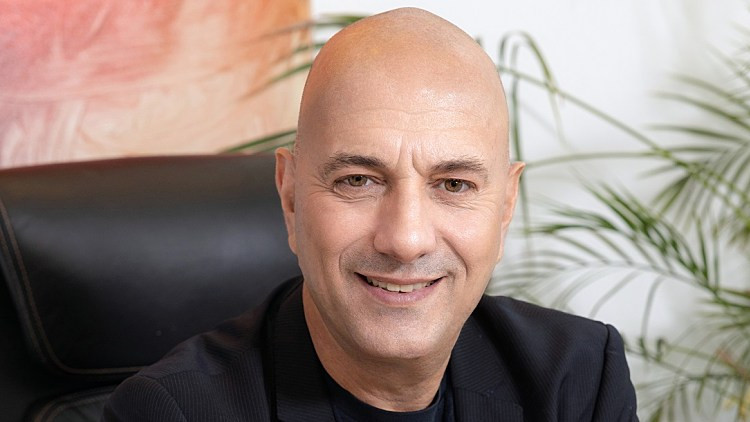
Eilon Zarmon
Get featured in this article
Place your brand in front of thousands of marketers and decision-makers. Pick the articles, add your links and anchor text, and our editors handle the integration — with an answer within 24 hours.
- $200Editorial Mention
- $500Expanded Editorial
- $1,250Featured Placement
We don't do link exchanges or free swaps — placements are paid and subject to editorial review. If a placement isn't approved, it's fully refunded.